Your colors. Your comfort.
Curated dark themes, adjustable colors, and neutral or tinted backgrounds. Set the mood for a library that feels yours.

A premium media player for your own sources. Beautifully organised. Made for the moments you share.
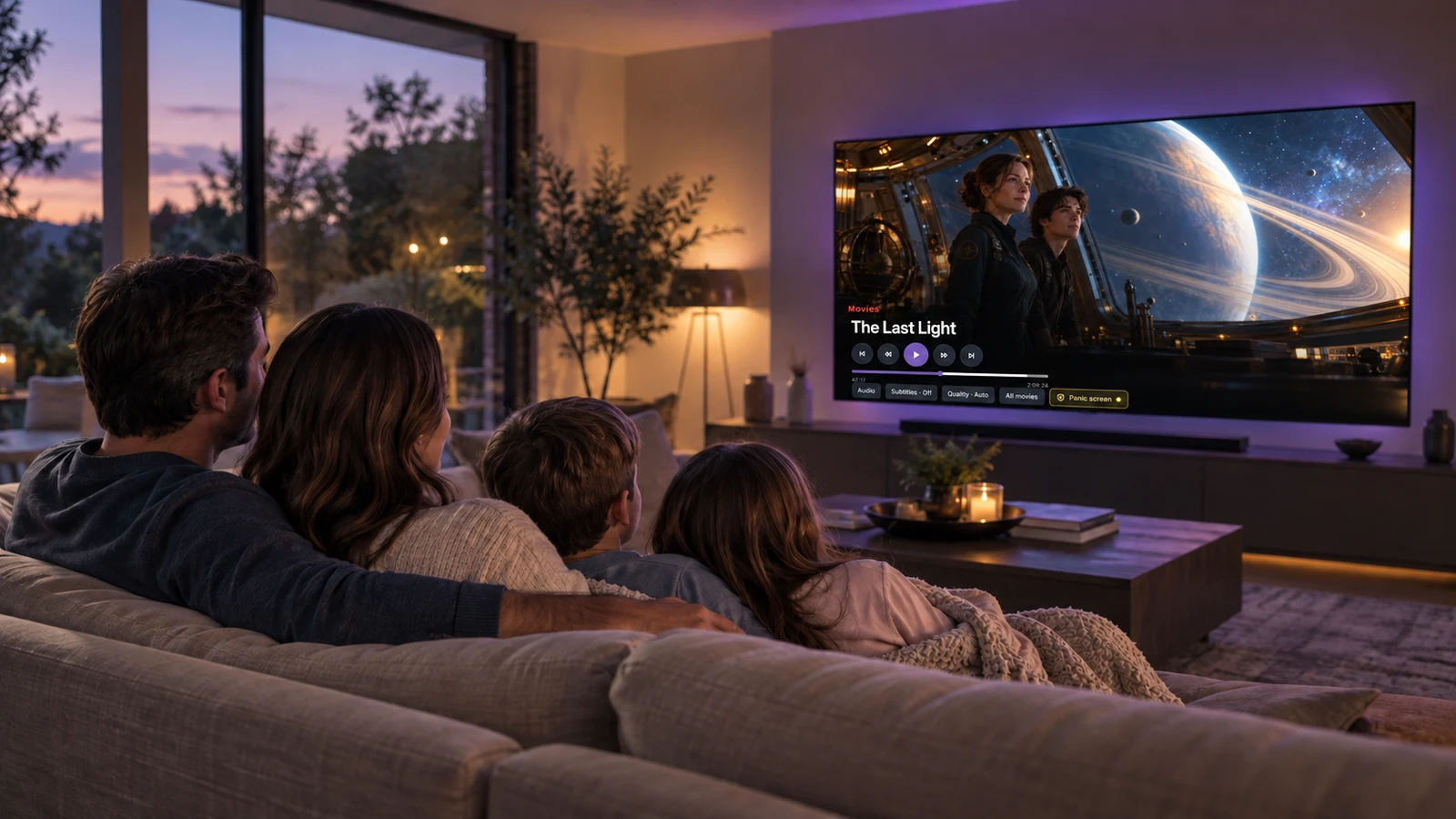
XULU is a media player. Content and media sources are provided by you.
A thoughtful home for the sources you bring. Clear libraries, familiar controls, and the details that make choosing feel effortless.
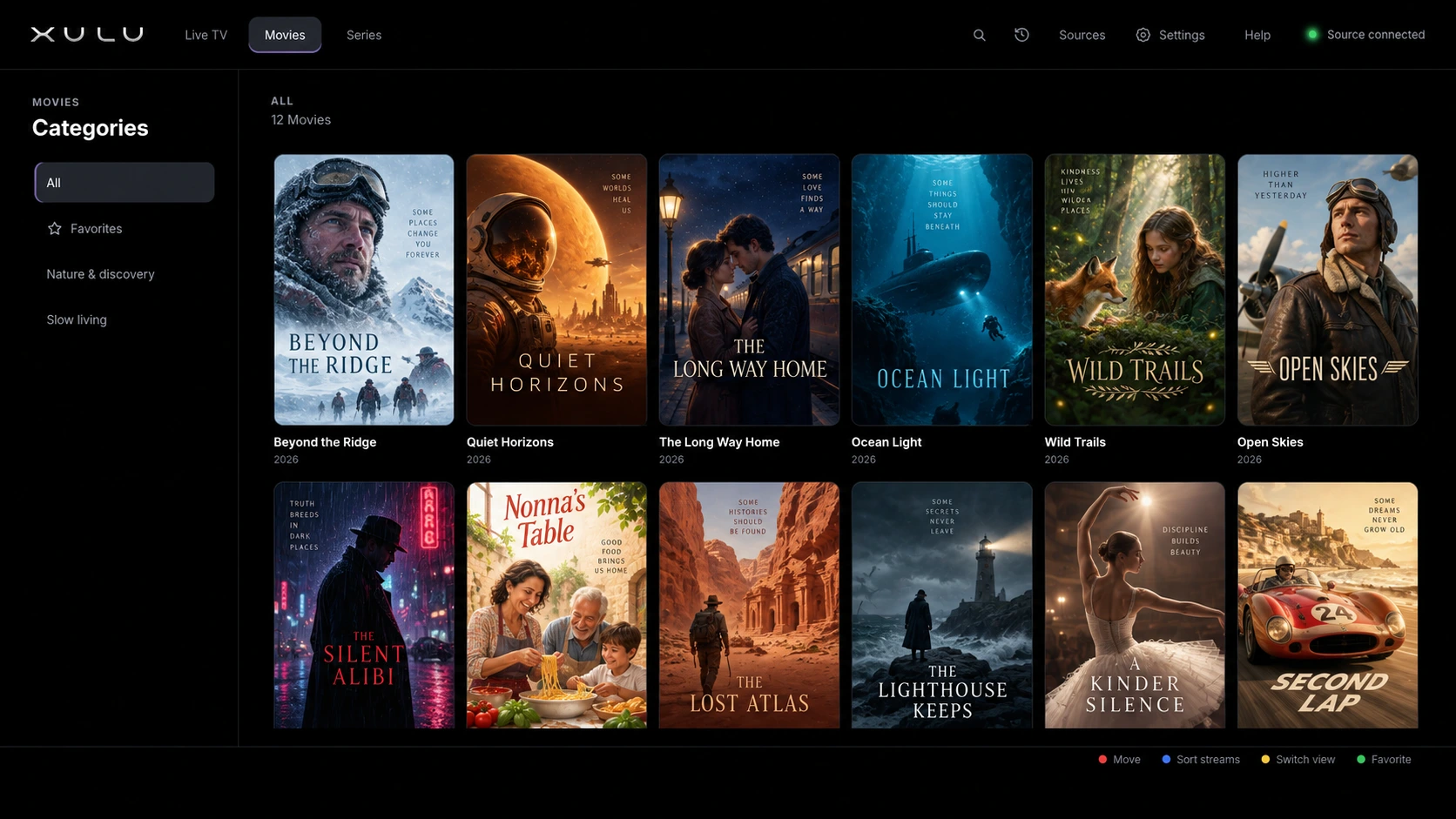
XULU app interface with fictional movie artwork for illustration. No content is included.
Your sources do not need a home in our cloud. XULU stores your content credentials and viewing preferences on your own device.
Sources, credentials, favorites, history, and settings stay in the app’s local storage.
The current app does not upload these records to an XULU cloud account.
Remove a source, clear your history, or reset app data from your TV.
Press Yellow during playback to bring up your privacy screen. Cover the picture, choose whether to mute, and return just as easily.
 INTERACTIVE DEMO · NO AUDIO
In the app, Yellow again or Back restores your view and previous audio state. Playback can continue underneath.
Try it here. Your TV is not affected.
A manual privacy tool, not a content filter, room sensor, parental lock, or history eraser.
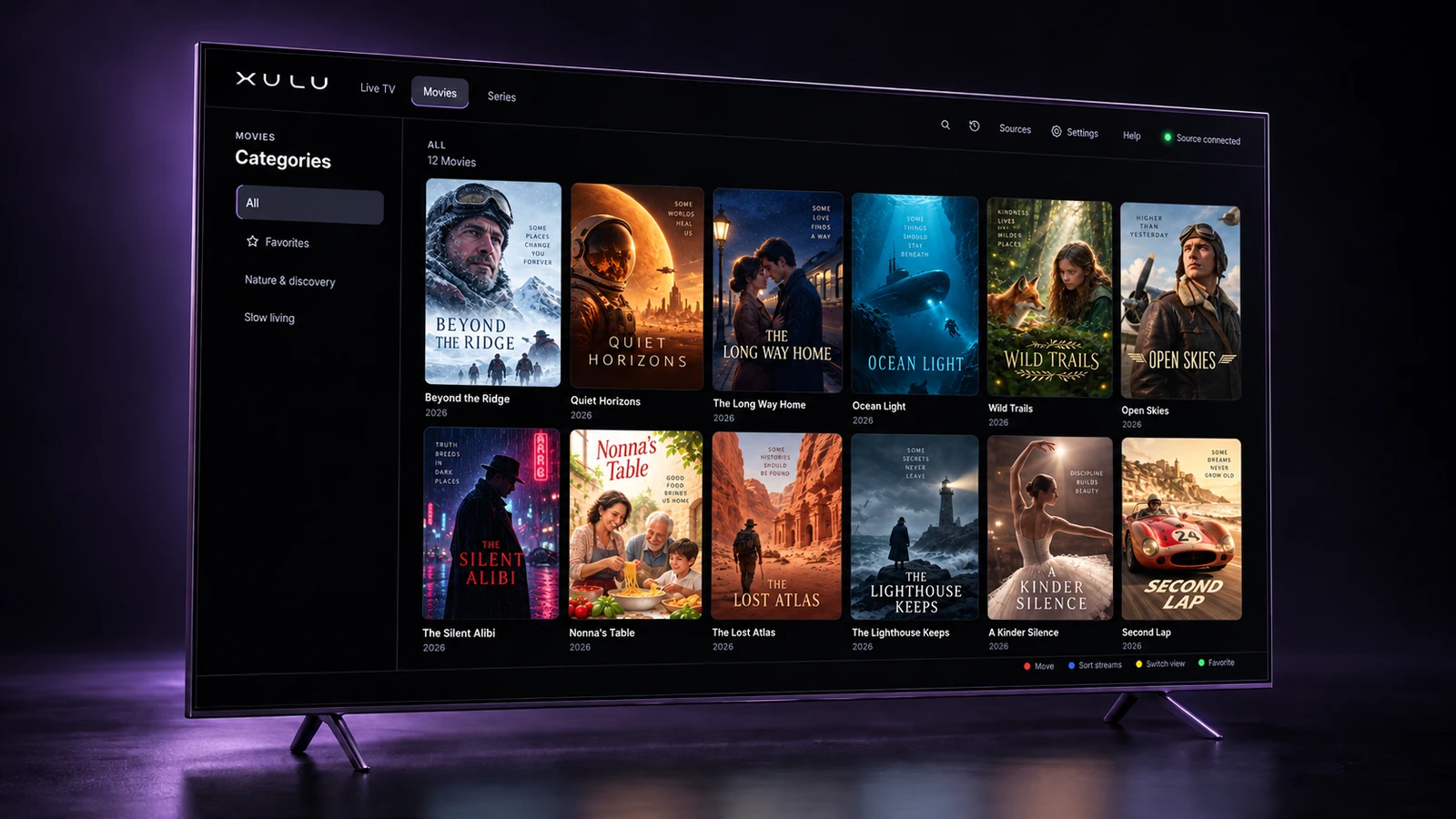
Let the interface fade into the background. Bring your content, find your comfort, and make the evening yours.
Built for the way you actually use a television, from sorting a collection to finding the next episode.
Curated dark themes, adjustable colors, and neutral or tinted backgrounds. Set the mood for a library that feels yours.
Three text sizes with adaptive layouts, visible remote focus, and Arabic and English interfaces. Less effort between you and your next watch.
Browse channel groups while watching, switch channels from the remote, and check the EPG supplied by your source.
Browse movies and series in dedicated libraries. Open title details, explore seasons and episodes, and head into playback.
Search by title, save favorites, and return to your watching history. Clear that history whenever you choose.
Sort alphabetically, by recently added or channel number. Move items into a custom order and choose your default source.
Pause, seek back 10 seconds or forward 30 seconds, move between titles, and choose available audio and subtitle tracks.
Source information comes first. External content data APIs can fill in artwork and title details when needed, without making optional enrichment a playback requirement.
EPG, artwork, audio tracks, subtitles, and playback quality depend on your source and device.
The TV is for watching. Your phone’s browser takes care of the fiddly part. No companion app needed.
Open the TV’s QR code or local address from a device on the same network.
Use the temporary four-digit TV passcode. It expires after five minutes and limits incorrect attempts.
Add or edit Xtream and M3U sources, name your playlists, and choose your default.

Let your screen show what it can do. Play your 4K content in rich, crisp detail, with an interface that gives the picture room to shine.
4K playback requires a compatible TV, supported content format, a 4K source, and a connection fast enough for the stream. XULU does not upscale content to 4K.
One screen or room for the whole home. Choose Standard or Premium monthly or yearly.
Everything you love, in one place.
The same XULU experience, across your home.
Software access only. No channels or media are included. Checkout will show the confirmed price and billing details before payment.
The full TV-first experience for LG webOS 5.0 and later, including current 2026 models. Store availability can vary by model and region.
The XULU experience for Android televisions.
Google Play · Coming soonYour viewing, beyond the living room.
iOS · AndroidA new home on your everyday screen.
On the roadmapXULU is a player, not a content provider. Add your own authorized Xtream or M3U/M3U8 source. Content, guide data, quality, and available playback options depend on that source and your TV.
The current app saves sources and credentials, favorites, watching history, and preferences locally. It does not upload them to an XULU cloud account. Provider connections and optional content-data requests still use the network. Local storage does not mean zero risk or an encryption guarantee.
No. You activate it yourself with the Yellow button during playback or from player controls. It can cover the screen and mute audio. Set transparency to 0% for full coverage. It does not detect people, classify content, lock the app, or erase history. Playback can continue underneath.
No. Scan the QR code or open the local address shown on your TV using a browser on the same network. Sign in with the temporary TV passcode, then manage your sources. The separate mobile player is coming soon.
LG webOS is the current platform. Android TV via Google Play, mobile apps, and desktop are coming soon. Cross-device continuity is a roadmap item, not a current cloud-sync feature.
The webOS download destination is being prepared. The button on this page will link directly to the confirmed store listing once it is added.
 MAKE YOURSELF AT HOME
Bring your own content. Make the experience yours.